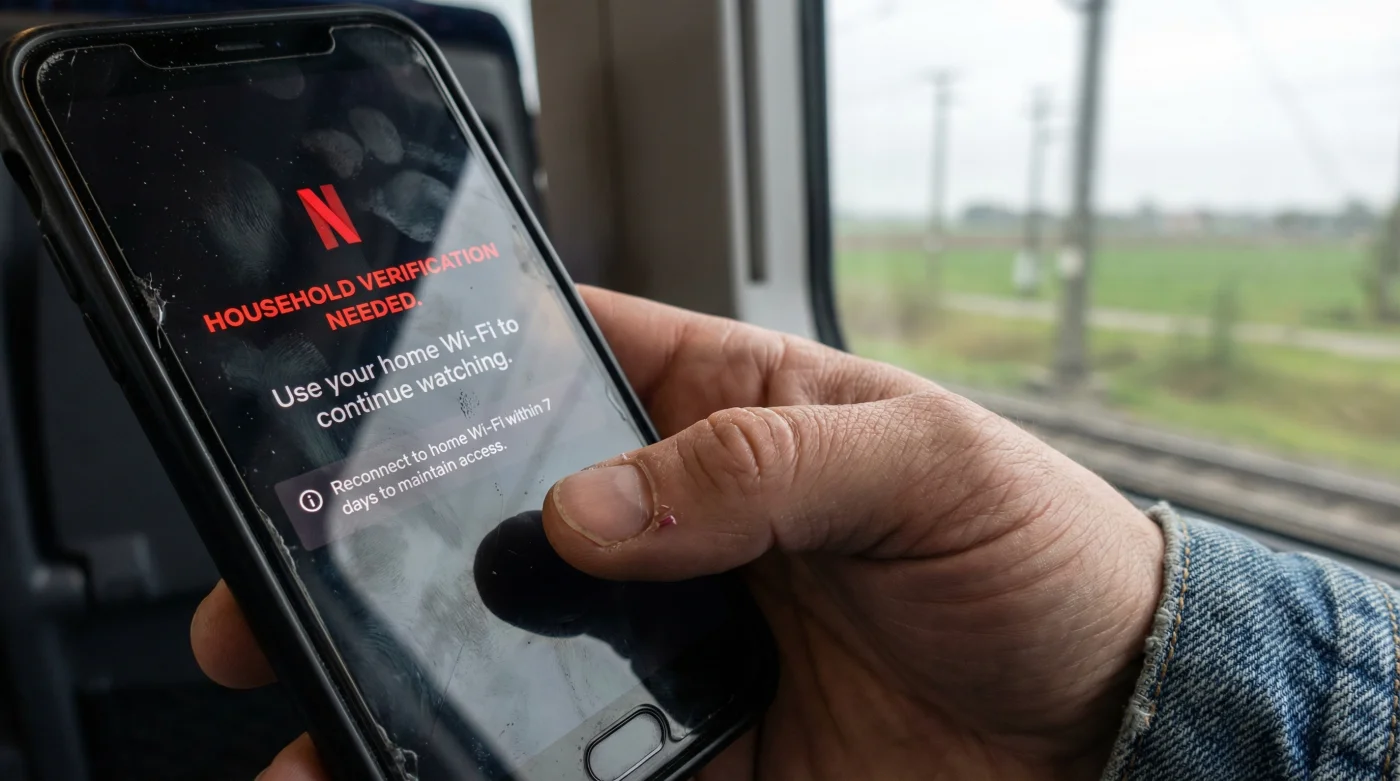
Imagine settling into a cramped airport terminal seat, the faint smell of roasted nuts and harsh industrial floor cleaner lingering in the air. You pull out your tablet, desperate to escape into that show you left paused on the living room television. You tap the familiar red icon, expecting the immediate comfort of your carefully curated queue. Instead, a stark warning glares back: “This device isn’t part of your Netflix Household.” The familiar ritual of on-the-go entertainment shatters against an invisible digital wall.
The Invisible Tether of Your Router
For years, we operated under a comforting assumption. As long as you paid your monthly bill, your account was a passport you could stamp anywhere in the world. The occasional weekend getaway, the holiday visit to the parents, or the daily train commute were assumed to be perfectly safe from account-sharing crackdowns. But the reality of this massive institutional shift contradicts that completely. The new system isn’t simply checking your password; it is demanding a digital curfew.
I was speaking with a network engineer friend recently about this sudden friction. He described the new policy not as a wall, but as an invisible tether. “The system doesn’t care if your name is on the credit card,” he explained, tracing a web of connections on a diner napkin. “It cares if your specific screen has sniffed the exact radio waves of your living room router recently. If it hasn’t, the system assumes the device is a stranger.”
| Viewer Type | The New Reality | Necessary Adaptation |
|---|---|---|
| The Frequent Traveler | Laptops and tablets face unexpected lockouts on the road. | Must request a temporary 7-day travel code via email or text. |
| The College Student | Dorm room televisions are flagged as separate households. | Requires an “extra member” slot paid by the primary account holder. |
| The Split Household | Children moving between two parents’ homes trigger inconsistencies. | Devices must frequently return to the primary home base to reset. |
The central pillar of this entire disruption revolves around a strict 31-day home network ping requirement. To maintain uninterrupted access, your smartphone, tablet, or laptop must physically connect to the primary WiFi network associated with your account and stream at least a few minutes of content once every 31 days. If a device misses this monthly check-in, it loses its trusted status.
| Technical Trigger | Mechanical Logic | System Resolution |
|---|---|---|
| 31-Day Expiration | The device’s internal ID no longer matches the home IP address log. | Bring the device home and connect to the primary router. |
| Network Inconsistency | Logging into a smart TV at a hotel creates an immediate IP conflict. | Use the mobile app to verify the screen via a temporary QR code. |
| Dormant Devices | A tablet left in a drawer for two months misses the network handshake. | Open the app on home WiFi and watch content for 60 seconds before traveling. |
Resetting Your Digital Compass
Navigating this change requires a slight adjustment to your pre-travel routines. Before you pack your suitcase, take out the iPad or laptop you plan to bring with you. Connect it to your home WiFi network.
Open the streaming app and press play on any movie or show. Let it run for just a minute or two. This simple, physical action forces the device to shake hands with your router, resetting the 31-day countdown timer.
- Netflix account sharing bans now target household WiFi network inconsistencies.
- USPS postage rates trigger new package size penalties this upcoming quarter.
- Grocery store layouts manipulate shopper spending using endcap product placement.
- Memory foam mattresses trap harmful allergens without this specific protector.
- Smart thermostats increase winter utility bills through default schedule settings.
Once entered, it grants you seven days of uninterrupted viewing on that specific hotel television or traveling device. It is a minor hurdle, but knowing how to clear it saves your evening.
| What To Look For (Do This) | What To Avoid (Skip This) |
|---|---|
| Establishing a primary television as the household hub in your settings. | Using a mobile cellular hotspot as your main home internet connection. |
| Syncing all travel tablets on the home network 24 hours before a flight. | Leaving a secondary device offline for weeks, assuming it will just work later. |
| Checking your account settings to ensure your email address is up to date for travel codes. | Relying on a friend’s login when traveling, as it will trigger an IP mismatch lock. |
The New Rhythm of Our Screens
This shift from a loose, global login to a strict, location-based tether changes the rhythm of how we consume media. It demands a bit more intentionality from us. By understanding the mechanical reality of the 31-day ping, you remove the anxiety of unexpected lockouts. You learn to speak the language of the system, ensuring that your screen remains a window to your favorite stories, no matter where you happen to be sitting.
The modern streaming landscape relies less on passwords and entirely on the geographic footprint of your daily routine.
Frequently Asked Questions
Do I need to verify my phone every day?
No, as long as your phone connects to your home WiFi and opens the app once every 31 days, it remains trusted.What if I travel for longer than a month?
You will need to request a temporary travel code, which grants access for seven days, or update your primary household if you have permanently relocated.Does this affect cellular data viewing?
It can. If you only ever watch on cellular data and never connect to the home WiFi, the system may eventually flag the device.How does the system know it is my house?
It uses a combination of IP addresses, device IDs, and account activity to determine the primary network where the most streaming occurs.Can I still use my account at an Airbnb?
Yes, but you will likely need to log in to the smart TV and request a temporary access code sent to your email to verify you are traveling.